
Getting started with LocalShopWala
Set up LocalShopWala in the right order: account, shop, plan, inventory, billing, and online store.
Last updated: 2026-08-31
Getting started with LocalShopWala
Start here if you are setting up LocalShopWala for your shop.
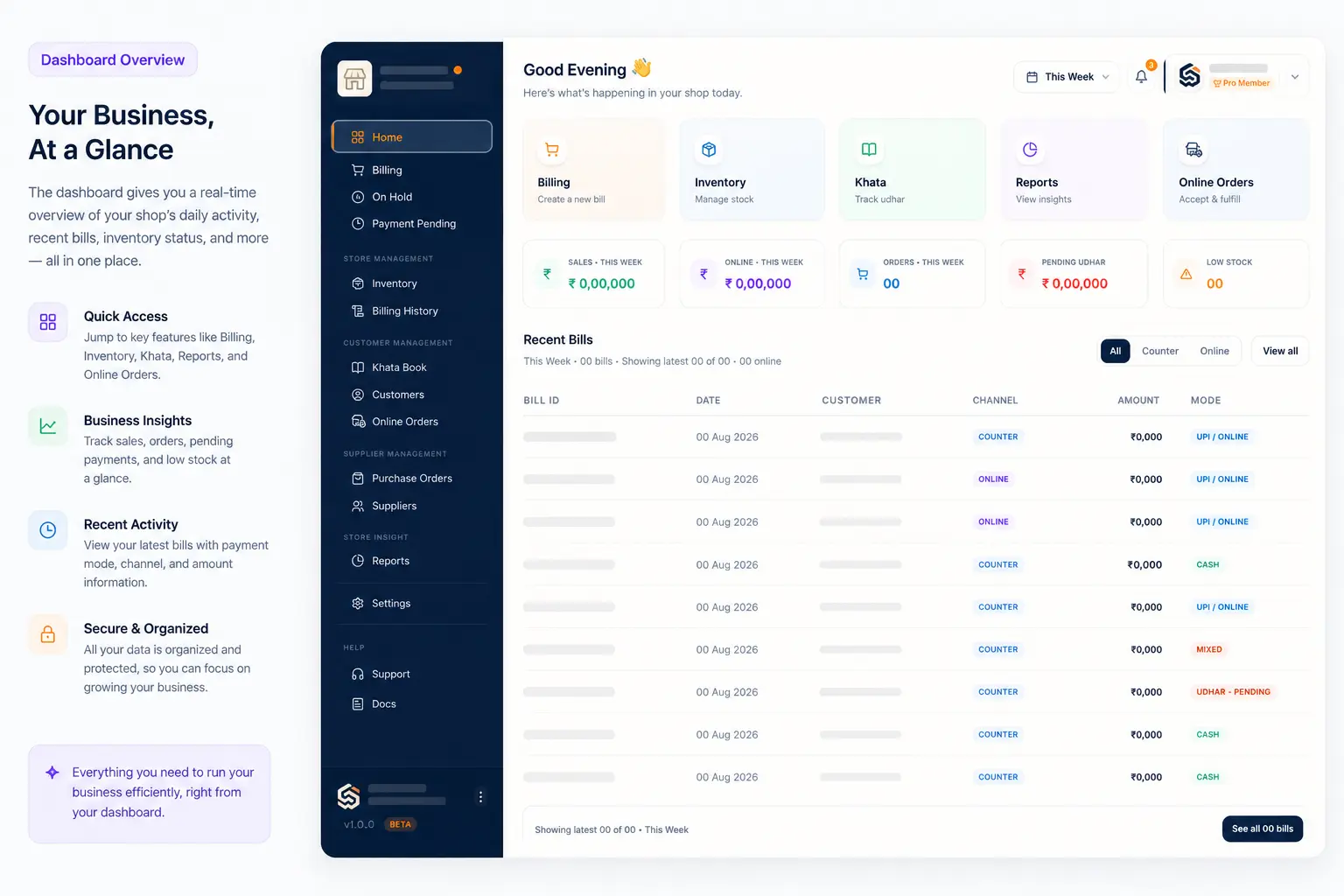
Before you start
- Use a phone with internet.
- Sign up with OTP or log in with phone number and password.
- Keep shop details, products, and payment details ready.
Steps
- Create your account and verify OTP.
- Create your shop or open an existing shop.
- Complete Settings tabs: App profile, Store profile, Configuration, Subscription, and Team as needed.
- Add products in Inventory.
- Make your first bill from Billing.
What happens next?
- Use Customers and Khata Book for regular buyers.
- Use Online Orders after your online store is ready.
- Use Reports to check sales, purchases, stock, and profit.
- On a computer, try keyboard shortcuts to open screens faster.
Having trouble?
- For setup details, open Complete shop setup.
- Keyboard tips: Keyboard shortcuts.
Need more help?
Contact LocalShopWala Support. We are happy to help you run your shop.