
Billing overview
Create bills with Cash, UPI, Udhar, Split, simple receipts, GST tax invoices, Hold, and billing history.
Last updated: 2026-08-31
Billing overview
Billing is your counter screen — make bills fast on phone or computer.
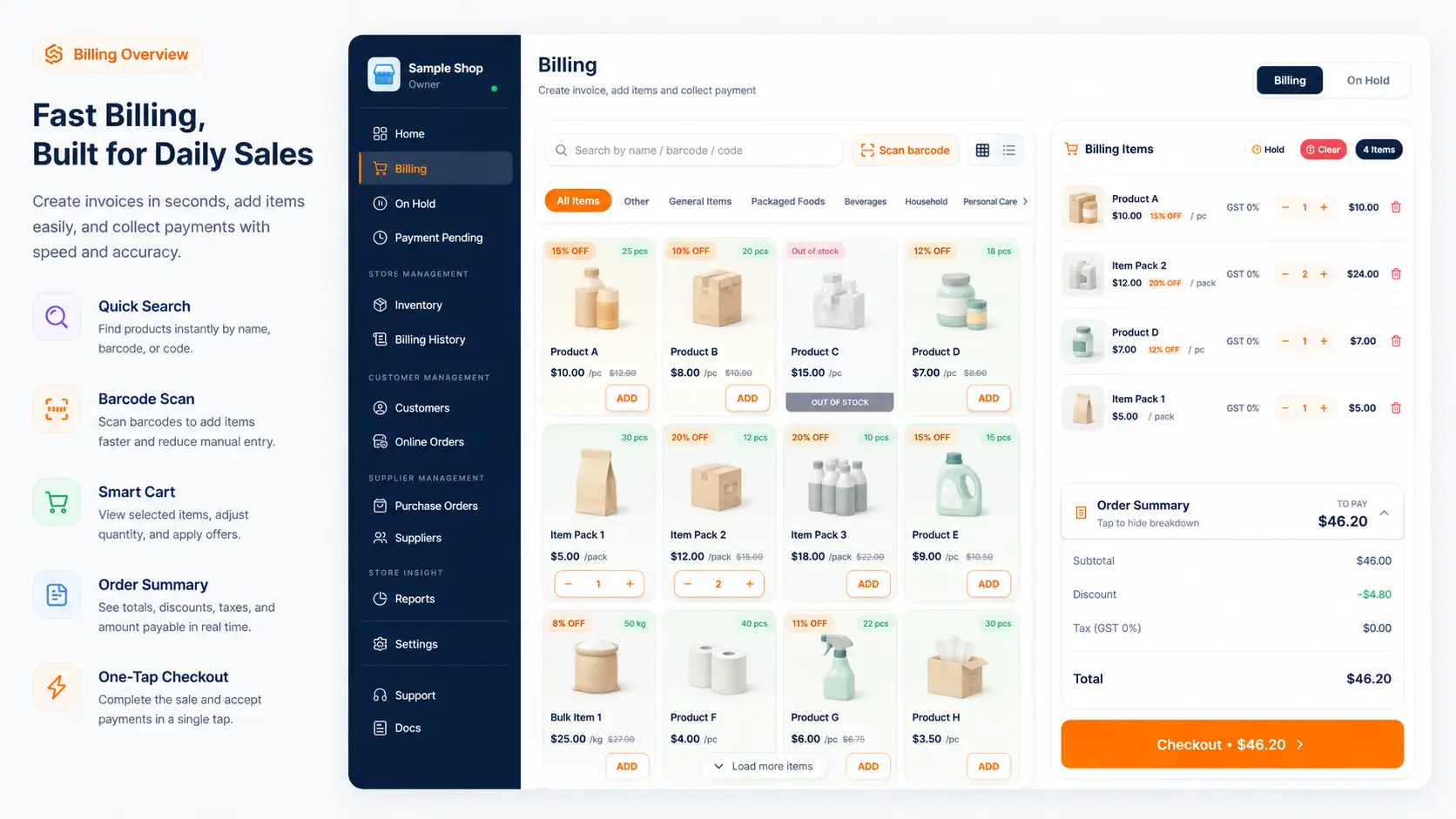
You can make a simple bill (normal receipt) or a GST tax invoice (with CGST/SGST), based on shop settings.
Before you start
- Keep products updated in Inventory.
- Add customers first if you sell on Udhar.
- Set UPI in Settings → Configuration if you take UPI or share payment links.
- For GST tax invoices: save GSTIN in Store profile, then turn on GST tax invoices in Configuration.
Steps
- Open Billing.
- Add products and quantities.
- Attach a customer only when needed.
- Choose Cash, UPI, Udhar, Split, or share payment link.
- Check the total and complete the bill (or mark paid later if you shared a link).
Simple bill or GST bill?
| Type | When to use | Help guide |
|---|---|---|
| Simple bill | No GSTIN, or GST off in settings | Simple bills |
| GST tax invoice | GSTIN + GST on + Pro plan | GST tax invoices |
Both types update stock and save to Billing History. Payment modes work the same.
What happens next?
- Completed bills go to Billing History.
- Unpaid share-link bills go to Pending payments until you mark received.
- Paused bills go to On Hold.
- Udhar bills update Khata Book.
Having trouble?
- Held bills → Resume held bill
- Unpaid links → Pending payments
- GST setup → GST tax invoices
- Print size → Configuration
Related help
Need more help?
Contact LocalShopWala Support. We are happy to help you run your shop.