
Online Orders overview
Accept online orders, make bills, collect payment, and finish pickup or delivery.
Last updated: 2026-09-03
Online Orders overview
Online Orders is where you handle customer orders from your online shop — from new request to finished delivery or pickup.
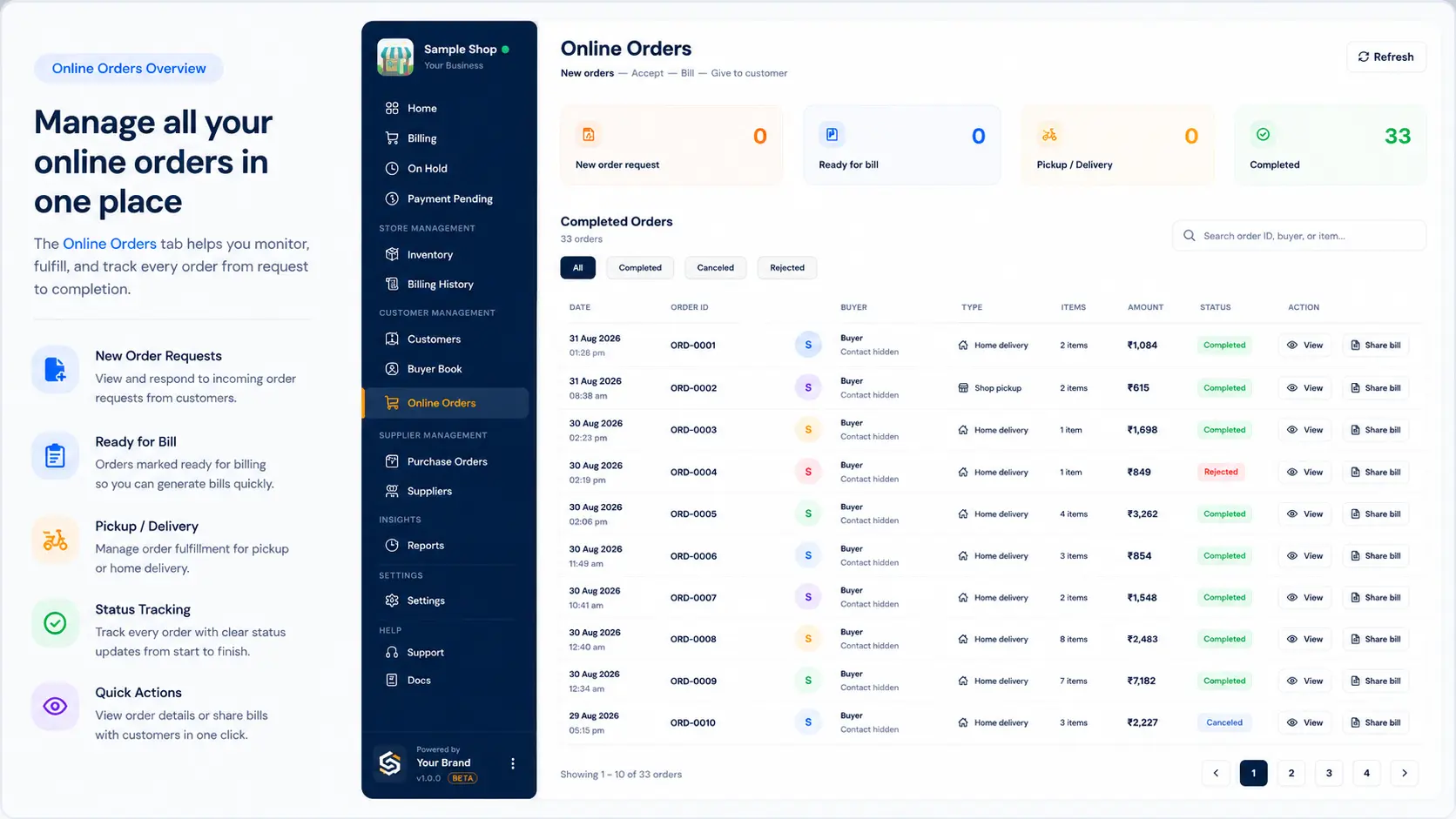
Simple flow
- New — customer places order → stock is held → you get a notification
- Accept or Reject (reject releases the hold)
- Make bill — save the bill (Cash / UPI / Udhar / Split / payment link)
- Ready — pack items; mark ready for pickup or send for delivery
- Collect money if still pending
- Complete — customer picked up, or delivered
Before you start
- Turn on order notifications.
- Check free stock before you accept (some units may already be held for this or other online orders).
- Set your UPI ID in Settings if you take UPI or share payment links.
Tabs you will see
| Tab | Meaning |
|---|---|
| Pending | New orders waiting for accept/reject |
| Active | Accepted — packing / billing |
| Ready | Ready for pickup or out for delivery |
| History | Completed, cancelled, or rejected |
Payment tip
If the bill is unpaid, finish payment first. Then you can mark Delivered or Customer picked up.
You can still mark Ready while waiting for money.
LocalShopWala does not take UPI money. Payment goes to your UPI ID. The app does not auto-check your bank — you tap Payment received when you get the money.
Related help
Need more help?
Contact LocalShopWala Support. We are happy to help you run your shop.